
Ready-made templates
Pick a print size and see the templates in that size. Or start blank.
In our Design Studio you create the print your guests take home from every photo session. Pick a template, add your names and the date and make it entirely your own.
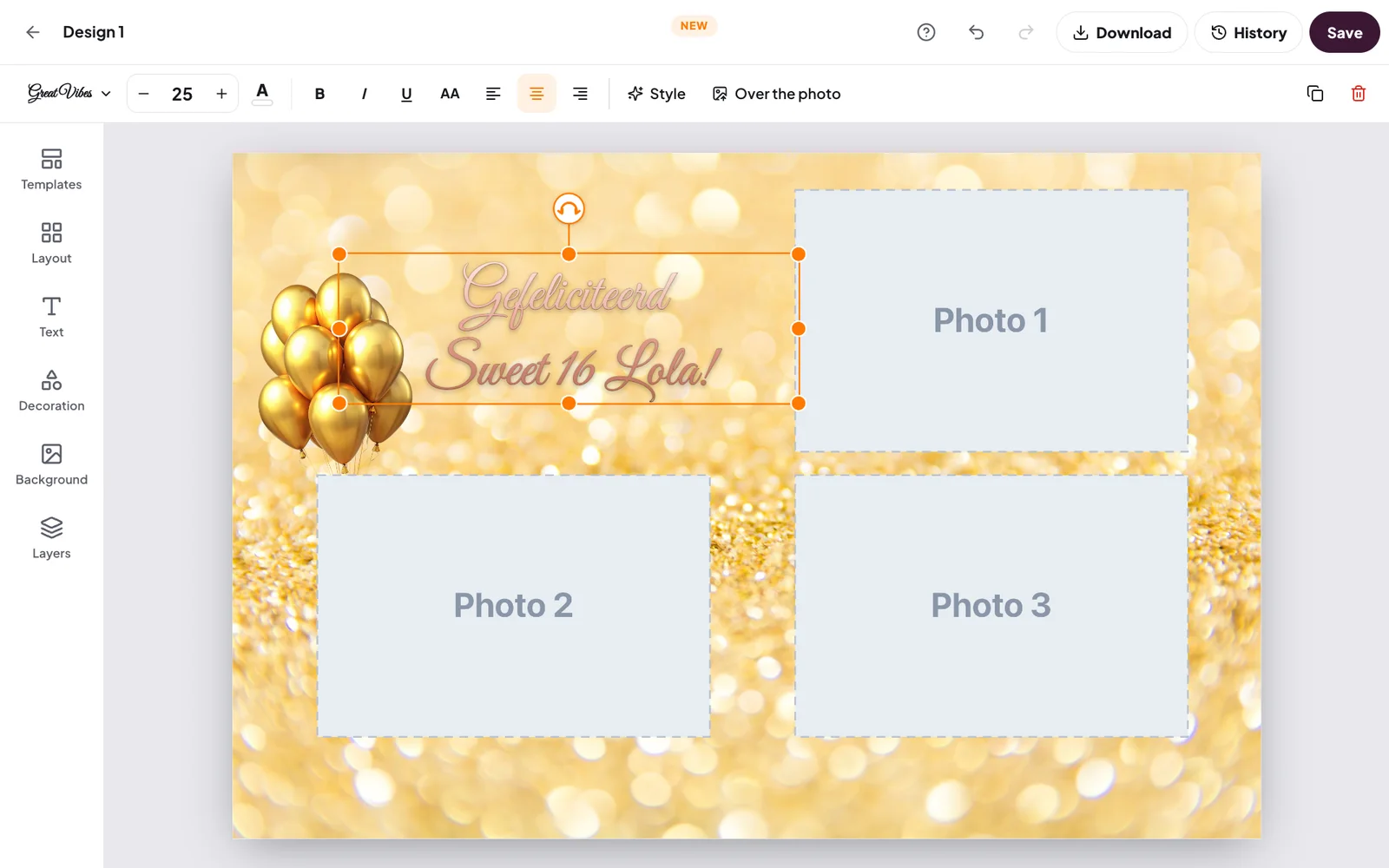
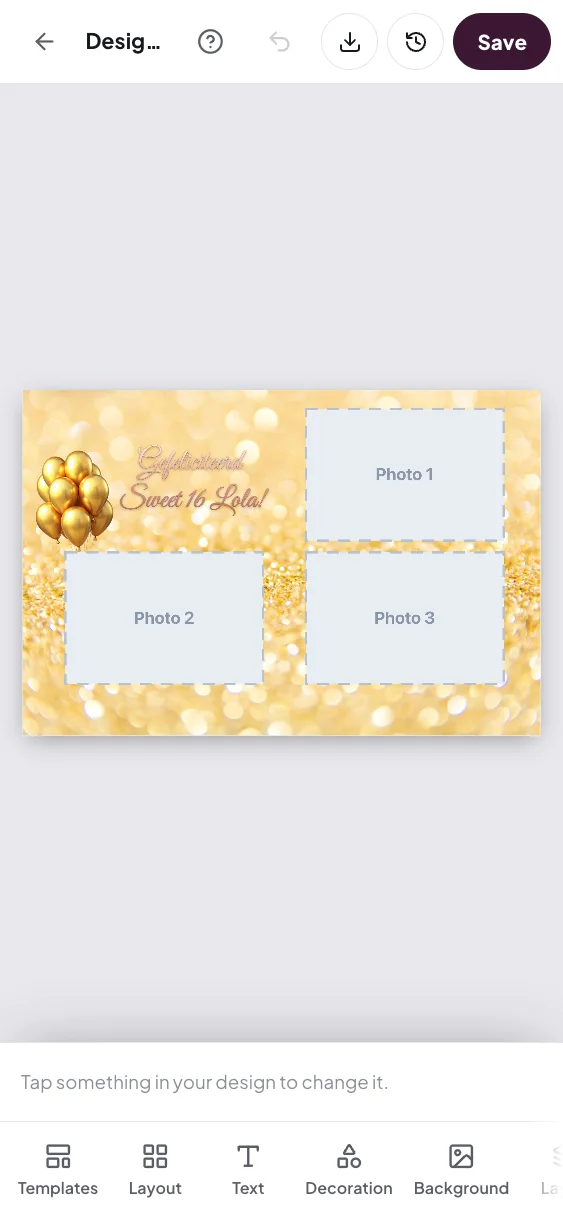
From template to print in three steps.
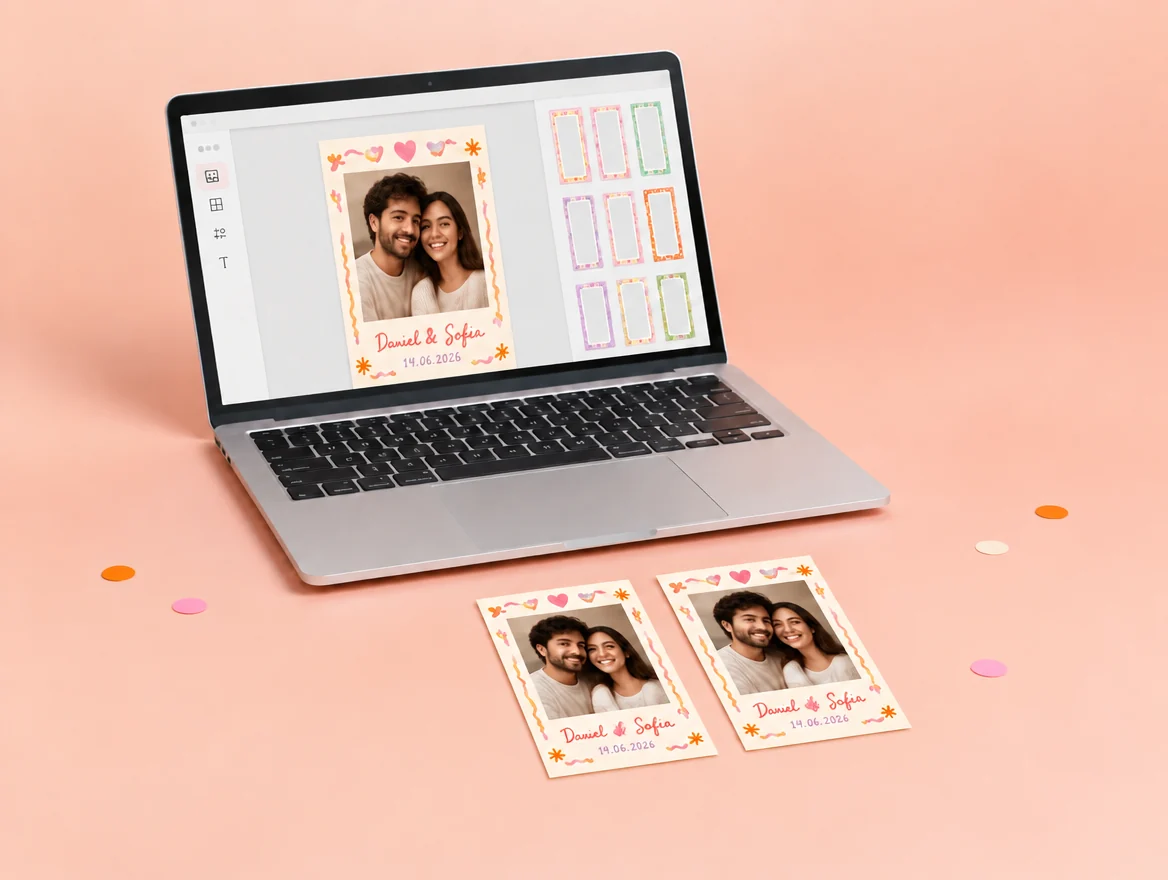
Pick a print size and a template from our library. Or start with a blank sheet.
Your names and the date, your own colours, decorations or your logo.
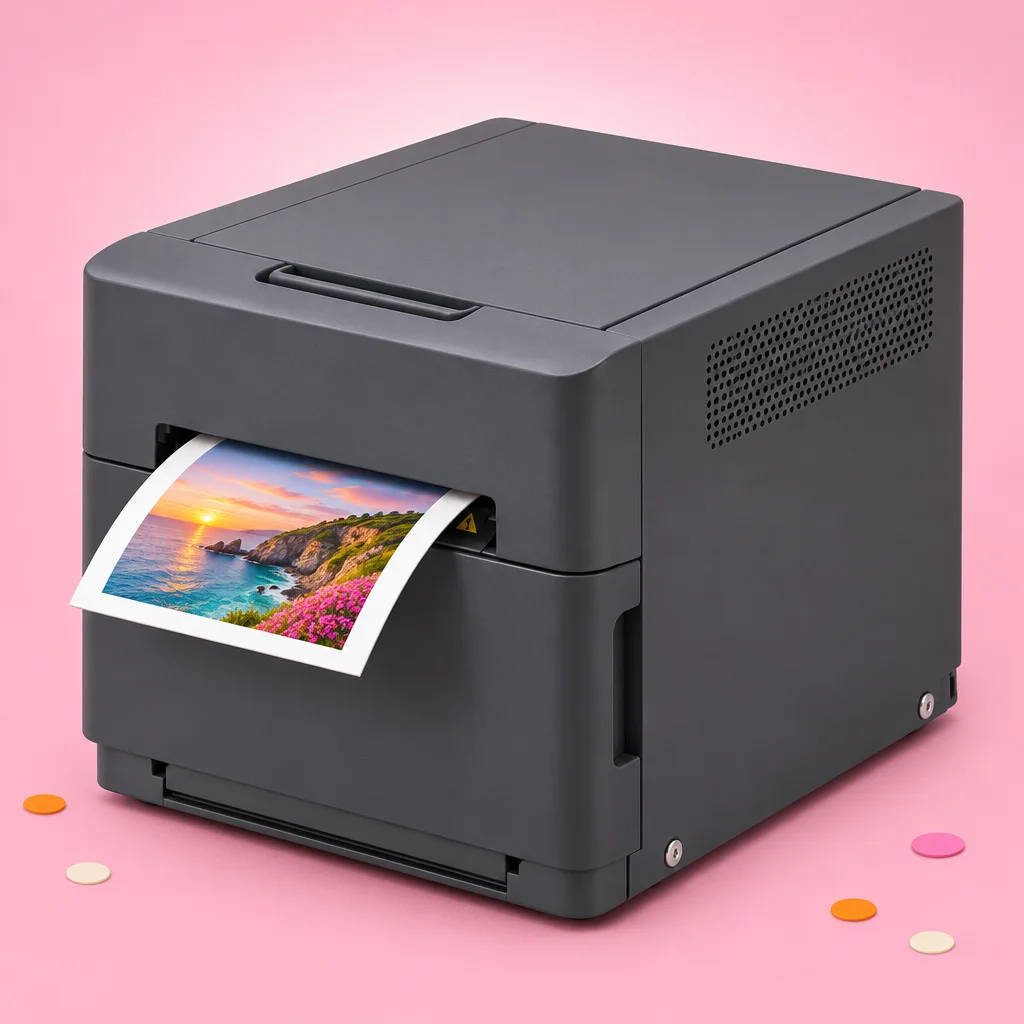
The photobooth prints your design at every photo session, with your guests' photos.
Everything you change shows on your print right away.
Pick a print size and see the templates in that size. Or start blank.
Type them in and the template fills them in. Then pick your font and colour.
Stickers, shapes and elements by theme. Or upload your own logo.
A colour, a photo from the library or your own background.
Choose how many photos go on your print and how they sit.
The studio works everywhere. Your work is kept as you go.
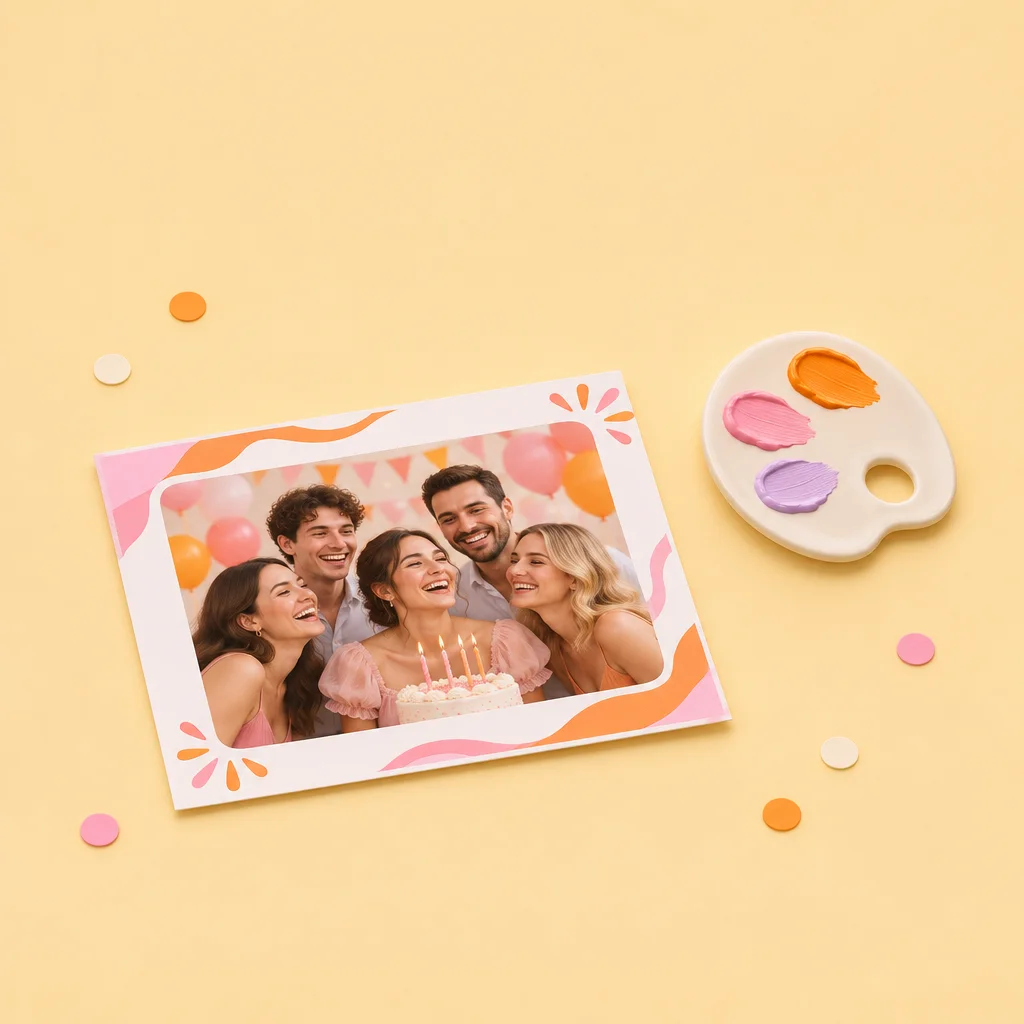
A selection from our library, as it is in the studio right now. After booking, pick one in your account and change anything you like.
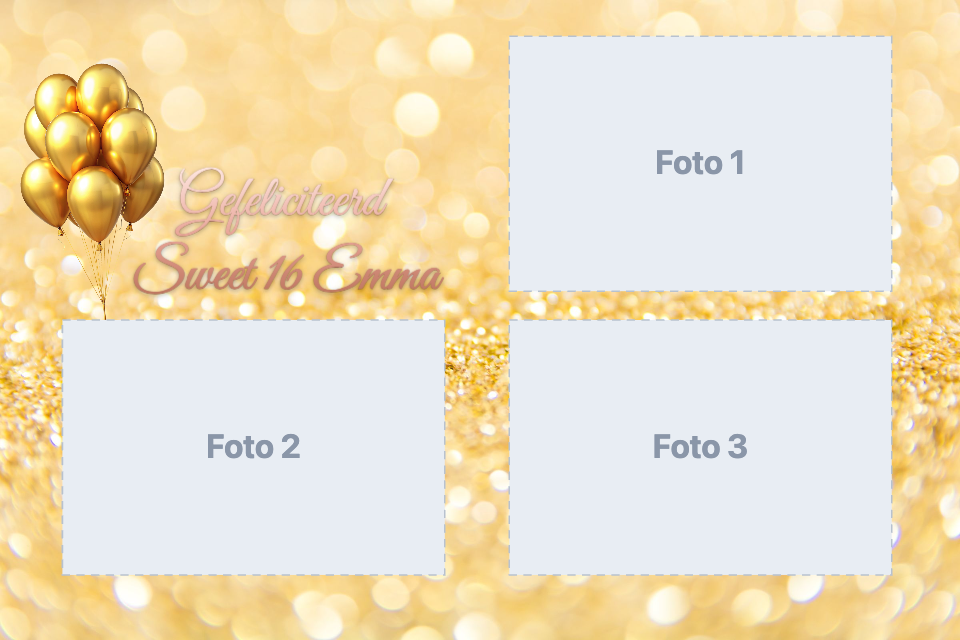
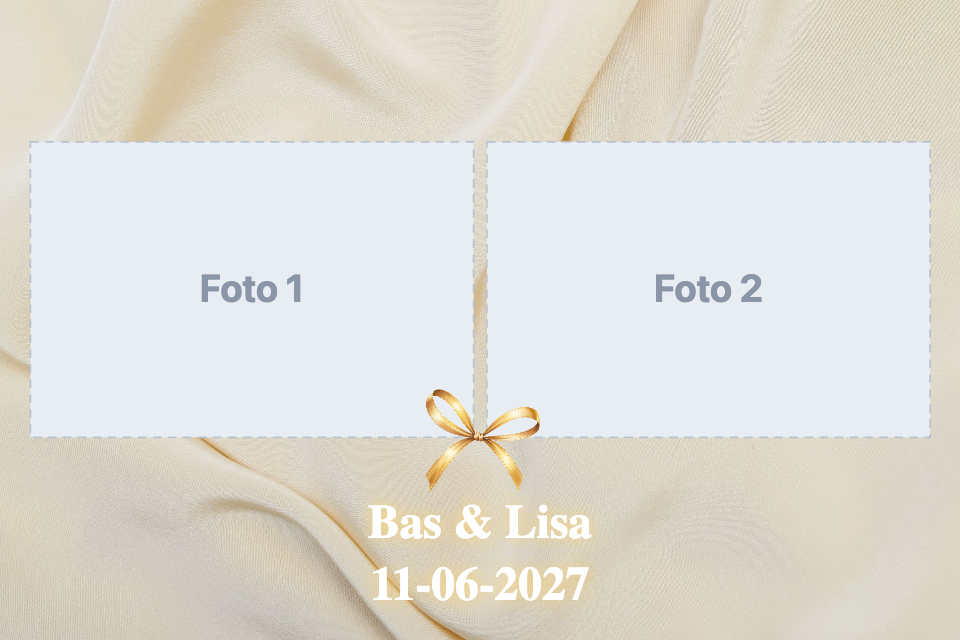
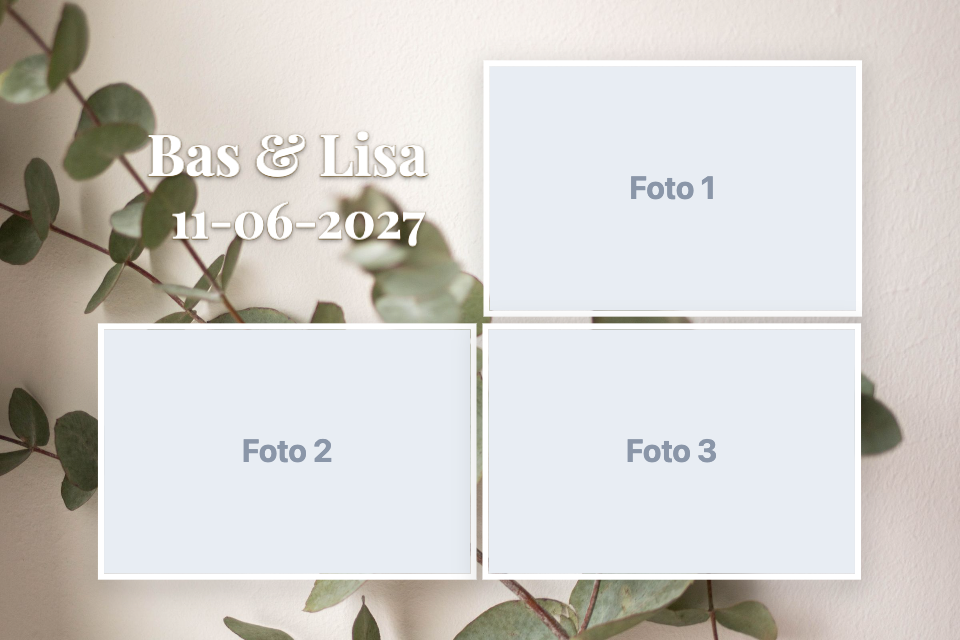
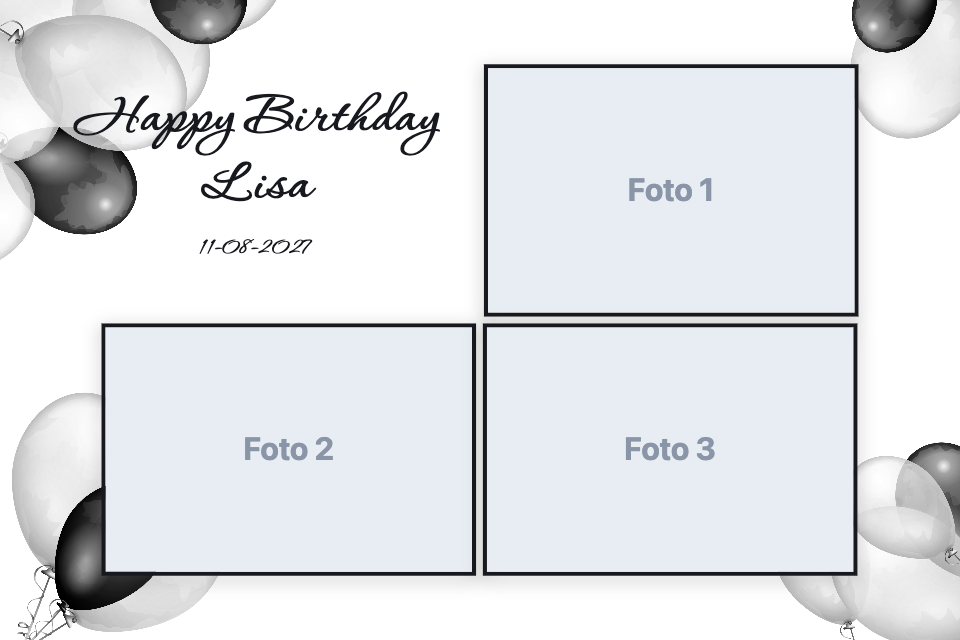
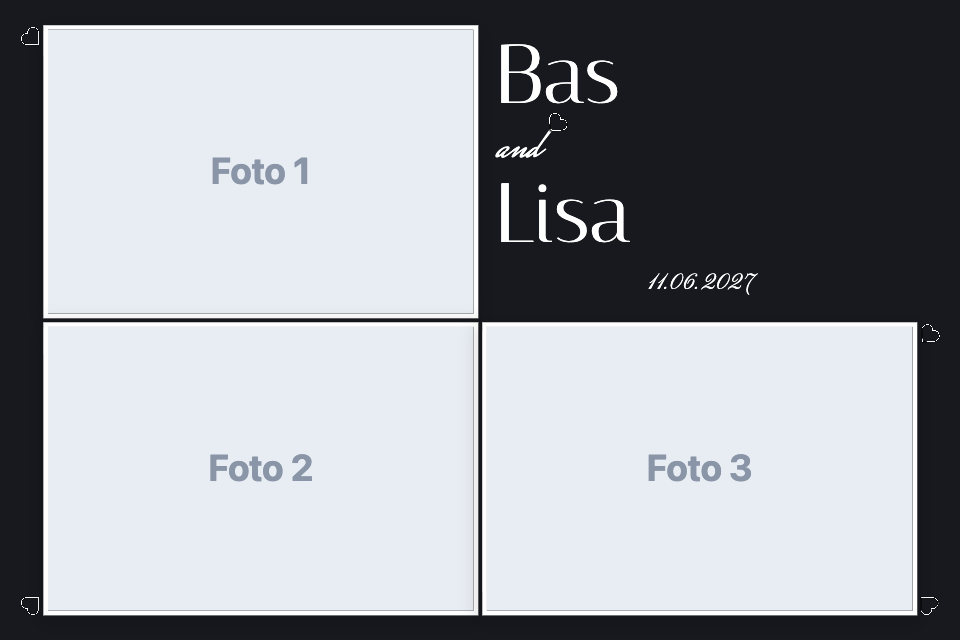
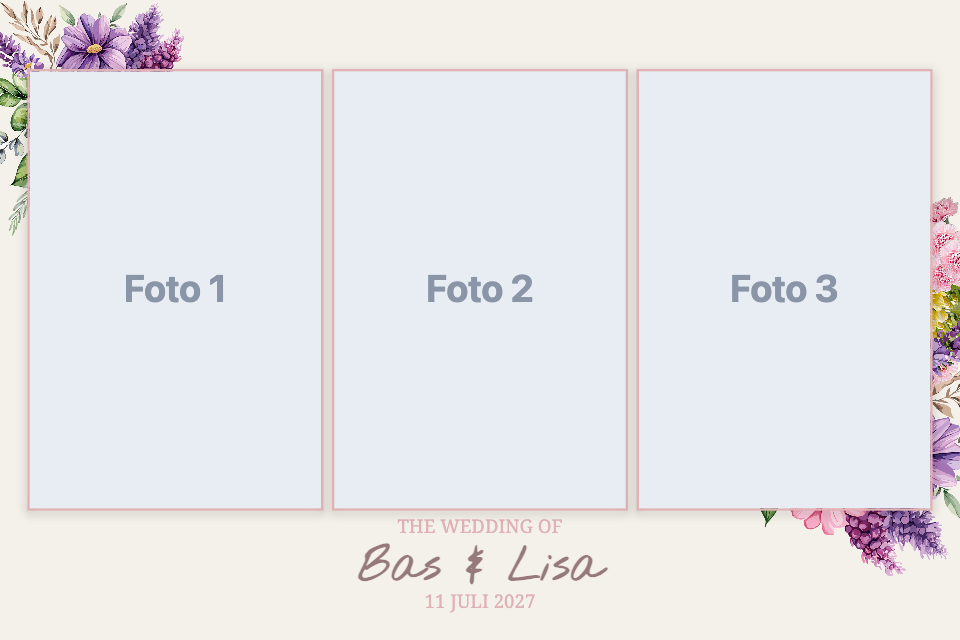
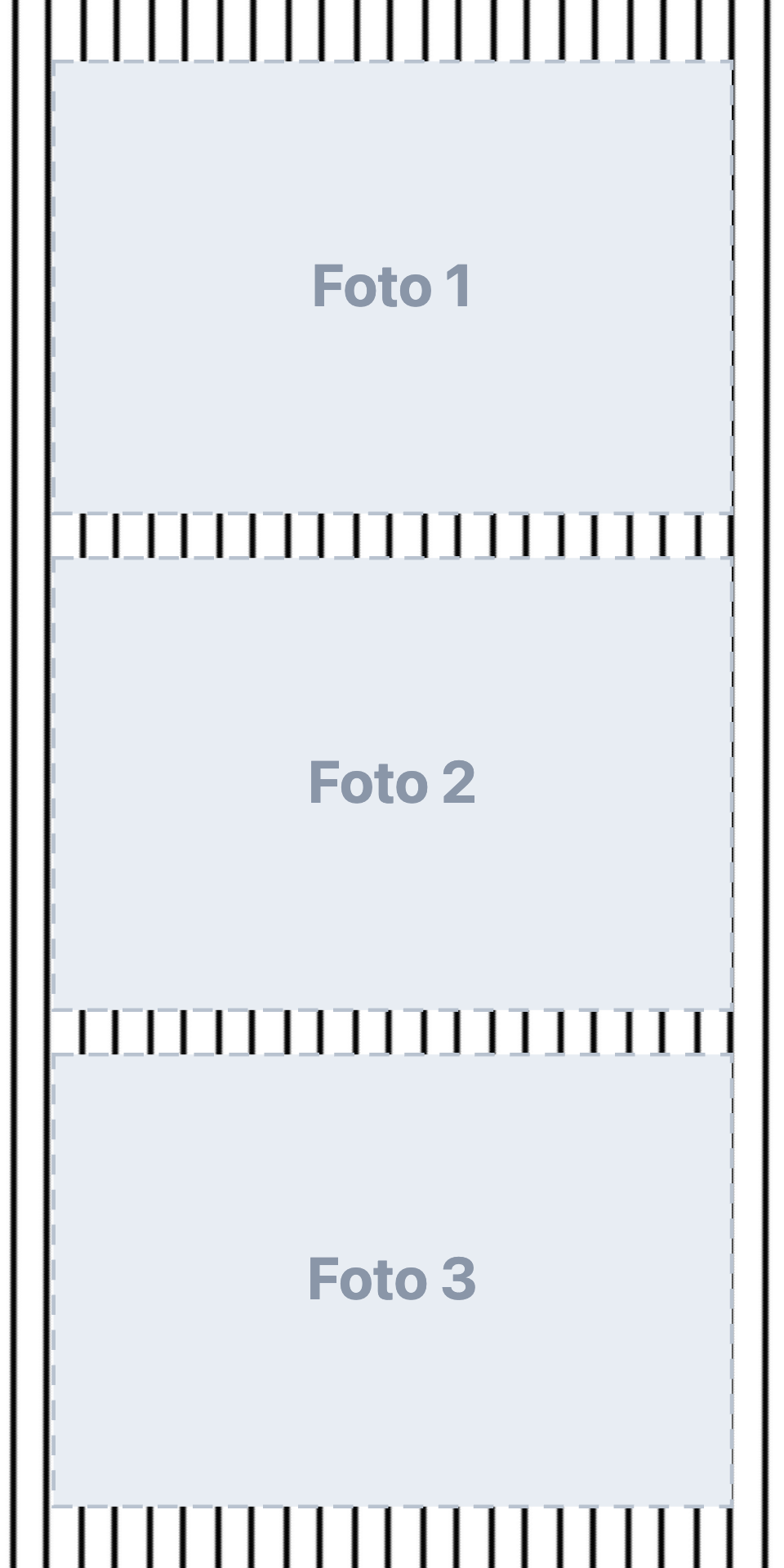
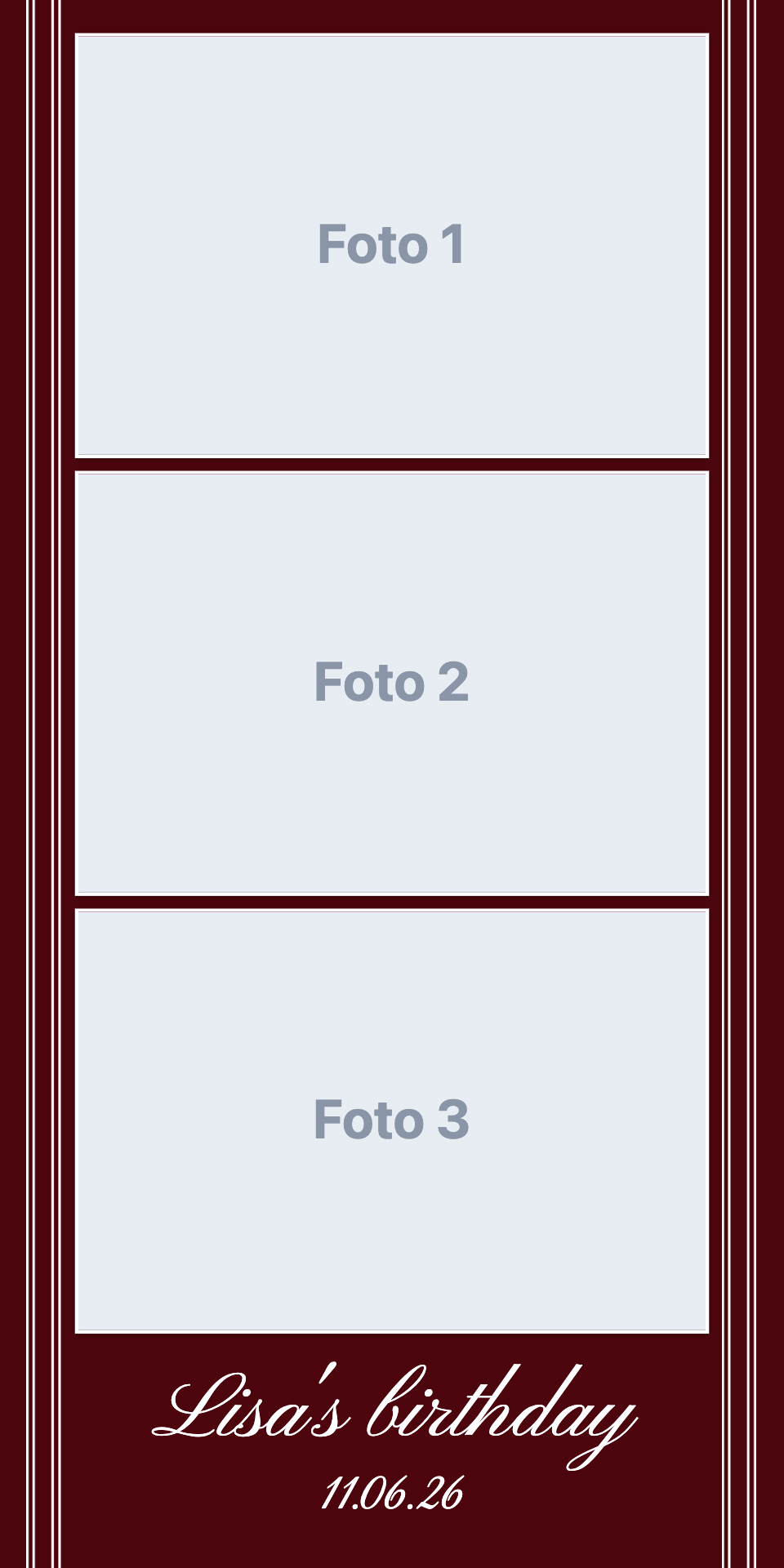
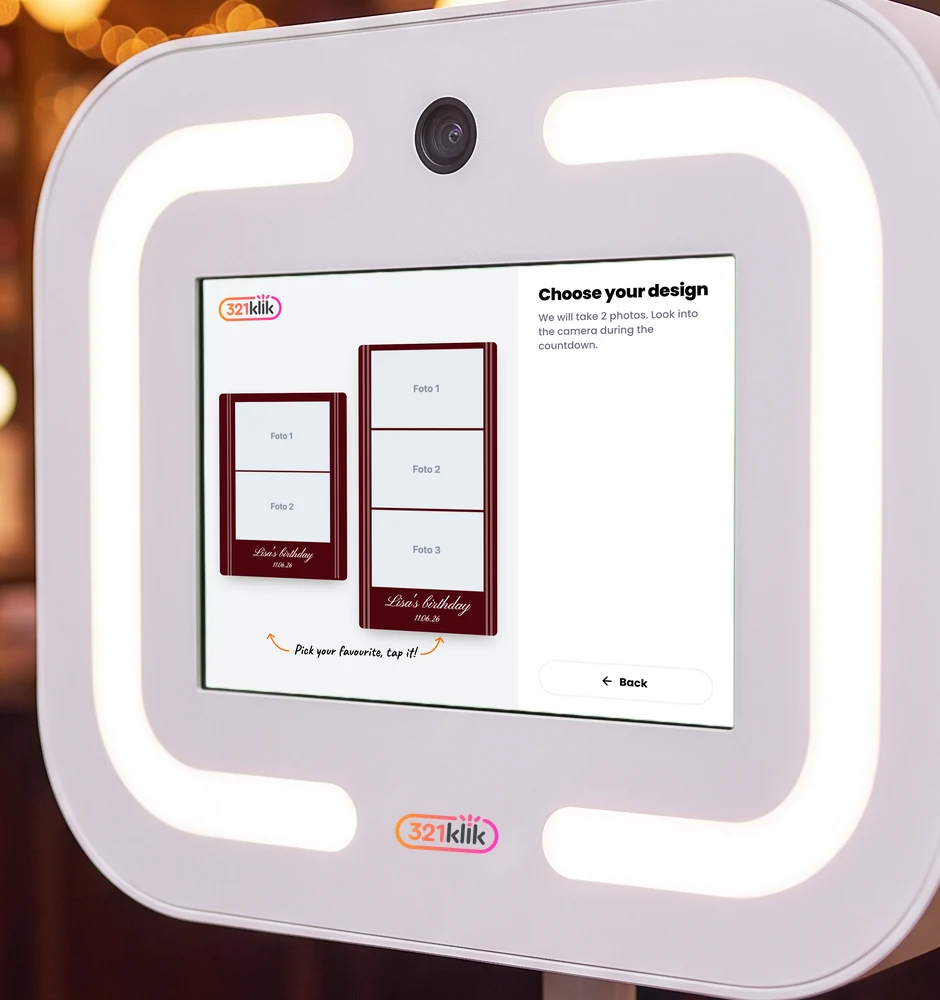
Make more designs, also in different sizes, for example a small print next to a large photo. At the event every guest chooses at the photobooth.
With one design the photobooth skips this choice and always prints that design.
You pick the size at the start and can still change it in the editor.
3 small prints per photo session.
1 photo per photo session.
Polaroid size. 2 photos per photo session.
The Design Studio comes with your photobooth, just like the printer and the paper.
Your deadline is in your account, a few days before your event. Until then you can change anything.
Then the photobooth prints our standard design: each photo twice on one sheet, without border or text.
Book your photobooth. Then you find the Design Studio in your account.
Book a photoboothAlready booked? Log in and start designing.